Classroom Noise Levels: Standards, Noise Monitors and Tips for Teachers
How loud should a classroom be? ANSI's 35 dBA standard, typical levels for each activity, how bouncy-ball noise monitors work, and tips that help.
A classroom works best when its empty, background noise is around 35 dBA and the teacher’s voice is clearly louder than everything else. In a busy room full of children, neither is easy. This guide covers the standards, the levels you can expect during different activities, how visual noise monitors like the popular “bouncy balls” screens work, and practical ways to bring the volume down.
Why classroom noise matters
Children need a quieter room than adults to understand speech. Adults can fill in missed words from context. Young children are still learning the language, so a missed consonant can mean a missed word. Pupils learning in a second language, children with hearing loss, attention difficulties or auditory processing problems are affected most.
Noise also feeds on itself. When a room gets louder, people raise their voices to be heard, which makes the room louder still. Acousticians call this the Lombard effect. Teachers pay for it too: voice strain is one of the most common occupational health complaints in teaching.
The standards: ANSI S12.60 and WHO
The main US standard is ANSI/ASA S12.60, Acoustical Performance Criteria, Design Requirements, and Guidelines for Schools. ASHA supports it. For core learning spaces, it sets:
| Criterion | Target |
|---|---|
| Background noise (unoccupied room, HVAC running) | 35 dBA or less |
| Reverberation time, rooms up to about 283 m³ (10,000 ft³) | 0.6 seconds or less |
| Reverberation time, rooms of about 283 to 566 m³ (10,000 to 20,000 ft³) | 0.7 seconds or less |
The WHO guidelines for community noise point the same way, recommending a background level of about 35 dB during lessons.
Background noise means the room with nobody in it: ventilation, projector fans, lights buzzing, traffic outside, the class next door. Many existing classrooms are well above 35 dBA before a single pupil arrives, often in the 40s or higher. A 40 dB background is not bad, but every extra decibel makes the teacher work harder.
Signal-to-noise ratio
What really matters for understanding speech is how much louder the teacher’s voice is than the noise around it. ASHA recommends a signal-to-noise ratio of at least +15 dB at the listener’s ear. If the room sits at 50 dBA during work, the teacher’s voice needs to reach the back of the room at 65 dBA. That is a raised voice, all day.
Typical classroom levels by activity
These are rough figures for an occupied classroom. Use them as a starting point, then measure your own room.
| Activity | Typical level |
|---|---|
| Silent reading, tests | below 45 dBA |
| Quiet individual work, occasional whispers | 45 to 55 dBA |
| Teacher talking to the whole class | 55 to 65 dBA |
| Pair and group work | 60 to 70 dBA |
| Practical work, crafts, transitions | 65 to 75 dBA |
| Getting out of hand | 75 dBA and above |
| Gym, cafeteria, music room | 75 to 85 dBA and above |
For comparison, a normal conversation is about 60 dB, a busy open office 65 dB, and a vacuum cleaner 70 dB. A class doing group work at 70 dBA is as loud as a vacuum cleaner running for the whole lesson. None of this is a hearing risk, which starts around 85 dB, but it is tiring for everyone.
How visual noise monitors work
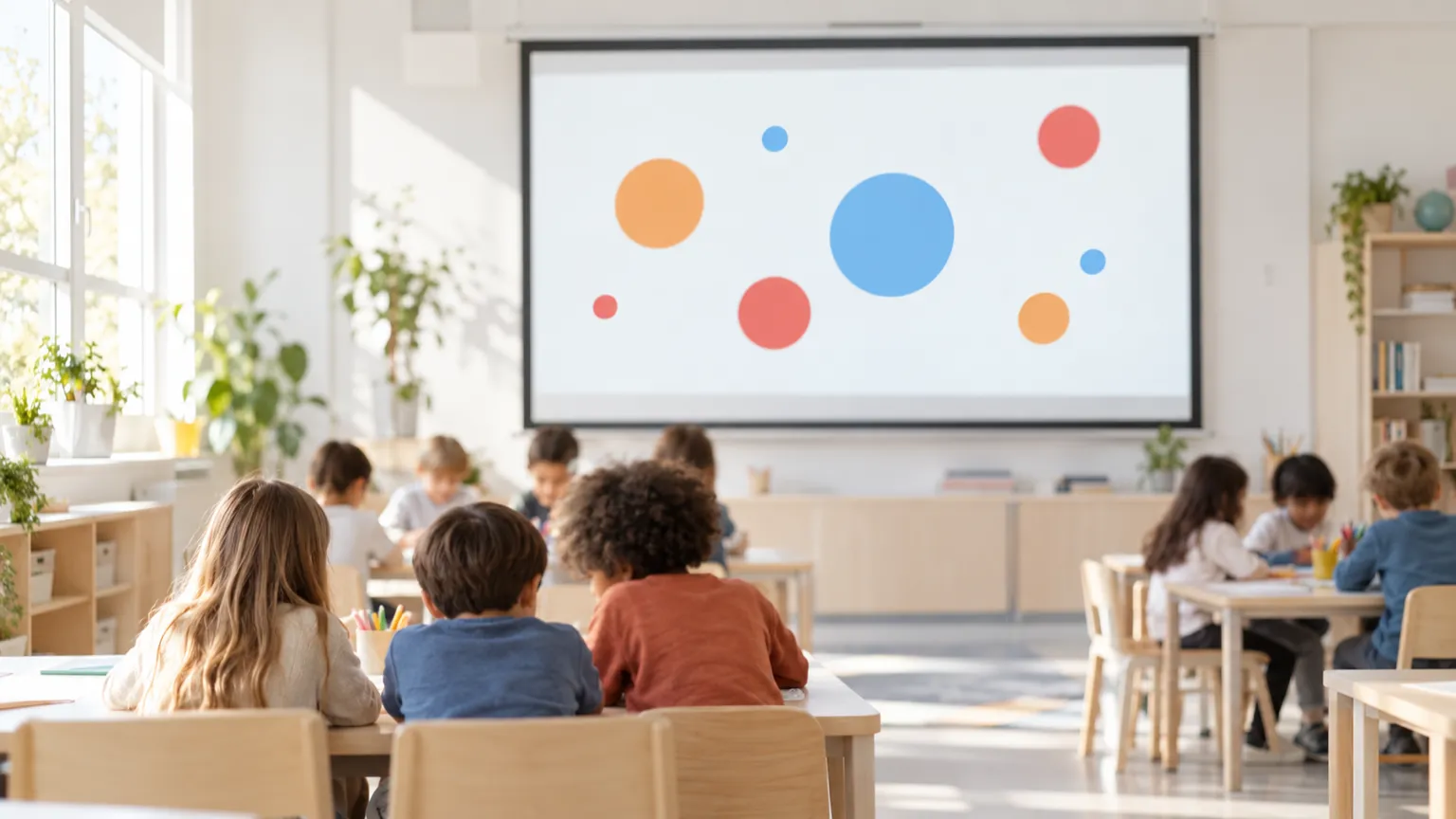
A classroom noise monitor is a simple sound meter with a display the whole class can see. The computer’s or tablet’s microphone measures the room level, and the screen turns it into something children understand without numbers:
- Bouncy balls: balls on the screen bounce higher and faster as the room gets louder, and settle when it is quiet.
- Traffic light: green, amber and red zones set by the teacher.
- Bars or a needle: a volume meter that rises and falls.
- Emoji faces: happy when calm, alarmed when loud.
Behind the display, most monitors do the same three things. They average the level over a short time so a single dropped pencil does not trigger a warning. They let the teacher set a threshold or sensitivity. And many give feedback when the room stays over the limit, such as a colour change or a sound.
The point is self-regulation. Pupils can see the room’s volume without the teacher having to say “shh” every few minutes, and they learn to adjust it themselves.
Our free classroom noise monitor runs in the browser on a classroom computer or interactive whiteboard, with nothing to install.
Tips for using a noise monitor
- Find your room’s baseline. Run the monitor during a quiet task and note the level. Set your thresholds relative to that, not to a number from someone else’s room.
- Match the limit to the activity. Group work needs a higher limit than silent reading. Change the setting when the activity changes, and tell the class.
- Place the device sensibly. Put the microphone somewhere central, not next to the teacher’s desk, a fan or the noisiest table.
- Explain it first. Show the class what quiet, working and too-loud look like on the screen before you rely on it.
- Use it for feedback, not punishment. Praise the class when they stay in the green. A monitor that only ever signals failure stops working quickly.
- Keep it short at first. Use it for one activity, then build up.
- Pair it with voice levels. Many teachers use a 0 to 4 voice scale (silent, whisper, partner voice, group voice, presenter voice) and link each to a zone on the screen.
- Check the sensitivity. If the display jumps into red during normal talk, raise the threshold. Browser and computer microphones vary.
Reducing noise in the room itself
A monitor manages behaviour. The room’s acoustics set the floor. Some changes are cheap:
- Soft surfaces: rugs, curtains, pinboards and displays on bare walls absorb sound and shorten reverberation.
- Chair and table feet: felt pads or rubber feet stop scraping, one of the loudest classroom noises.
- Close the door and windows when corridor or traffic noise is high.
- Check the equipment: noisy projector fans, buzzing lights and ventilation all add to the background level. Report them.
- Arrange the room: seat pupils who struggle to hear near the teacher and away from noise sources.
- Acoustic panels on the ceiling or upper walls make the biggest difference in hard, echoey rooms, if the budget allows.
Measuring your classroom
To compare your room with the 35 dBA target, measure it empty, with the ventilation and any equipment running as it would during a lesson. Then measure again during typical activities. The free meter on our home page gives a quick reading. Our guide to measuring on iPhone explains how to get reliable numbers from a phone.
A phone or browser meter is not a certified instrument, so treat the results as a guide. They are still enough to show whether your room is closer to 35 or 50 dBA, which is useful when you talk to the school about acoustics.
A meter in your pocket
Decibel Meter: dB Sound Level for iPhone and Apple Watch shows the live level in dBA, keeps min, average (Leq), max and peak for each session, and saves readings with a location label, so you can compare classrooms, halls and the cafeteria over time. The Apple Watch app lets you check the level from your wrist while you teach. The app is free to download, and live measuring is part of the subscription. See what the app does.
Questions
What is the recommended noise level for a classroom?
ANSI/ASA S12.60 sets 35 dBA as the maximum background level for an empty core learning space, with reverberation of 0.6 seconds or less in typical rooms. The WHO recommends a similar figure during lessons.
How loud is a typical classroom?
Roughly 45 to 55 dBA during quiet work, 55 to 65 dBA while the teacher talks to the class, and 60 to 70 dBA or more during group work. Gyms, cafeterias and music rooms often reach 75 to 85 dBA.
Do classroom noise monitors work?
They work best as a visual cue for self-regulation: used in short stretches, with a limit matched to the activity and praise when the class stays in the green. They do not change the room's acoustics.
Is there a free classroom noise monitor?
Yes. The noiselevel.app classroom noise monitor runs in the browser on a classroom computer or interactive board, shows balls that bounce higher as the room gets louder, and records nothing.